
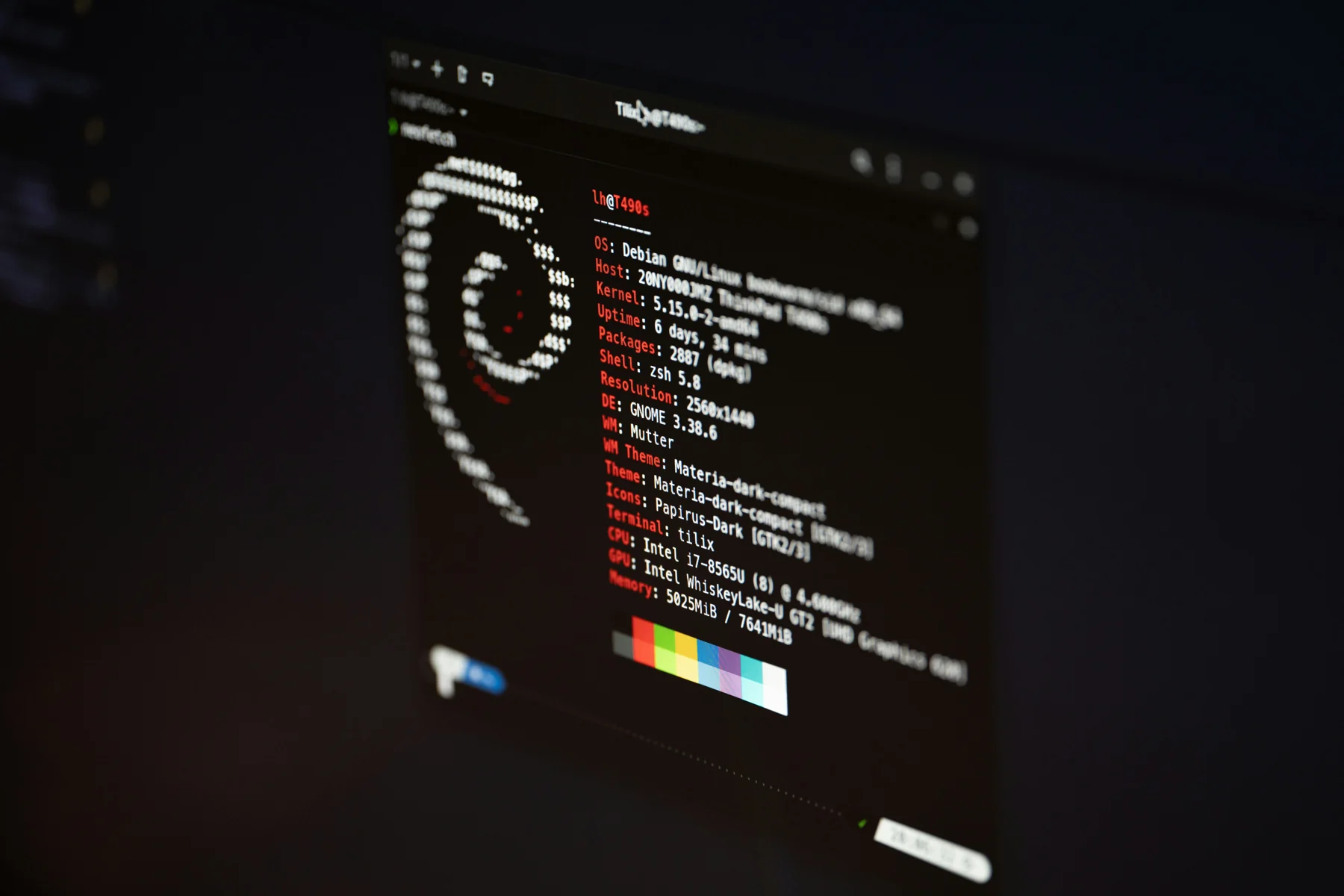
Establish a trustworthy baseline
Record the board revision, bootloader settings, kernel image, device tree, root filesystem and exact reproduction steps before changing anything. Capture the serial console from power-on. A continuous log often shows whether the problem begins in boot configuration, early kernel initialization, a driver, device-tree description, network setup or userspace.
Keep the kernel image and its matching symbols together. If an image is rebuilt, identify it in the notes and preserve the console output from that exact build. This prevents a common debugging trap: comparing behavior from one binary with symbols or configuration from another.
Shorten the experiment cycle safely
When the target supports it, booting a root filesystem over NFS can make userspace iteration much faster: edit or replace a file on the development host and reboot the device without rewriting flash. This is useful for service configuration, startup scripts and application changes. It does not replace tests of the actual production storage path, and it depends on a reliable recovery route.
Keep the distinction clear: an NFS root speeds up root-filesystem experiments; changing kernel code, the device tree or bootloader may still require replacing the corresponding boot artifact. Test the final image from the storage and boot path the deployed product will use.
A debugging loop from target to evidence
- 01
Target board
Reproduce on known hardware and record its boot configuration.
- 02
Serial console
Capture boot messages and identify the earliest failing layer.
- 03
Fast iteration
Use a network root filesystem for supported userspace experiments.
- 04
Kernel-aware tools
Use KGDB/KDB with matching symbols when runtime state must be inspected.
Network-root iteration is appropriate only when the bootloader, network and product recovery design support it.
Escalate from logs to live kernel inspection
For many faults, serial output, targeted logging and a small reproduction are enough. When execution state itself needs inspection, the Linux kernel provides KDB for an in-place debugger and KGDB for debugging through a host-side GDB session. The kernel documentation describes configuration such as CONFIG_KGDB and debug information; the host must use symbols from the exact target kernel build.
A reliable setup plans the debug transport, access to the target, debug symbols and a recovery method before the failure occurs. Kernel-aware debugging is a deliberate development configuration, not a substitute for recording ordinary boot logs and testing normal production builds.
Linux kernel 6.1 documentation — Kernel-level debugging with KDB and KGDB
Leave behind evidence another engineer can use
For each issue, keep the symptom, reproduction steps, board and software versions, relevant console excerpt, experiment and result together. Note what changed and what remained constant. This turns debugging from a sequence of undocumented guesses into a testable engineering process and helps another engineer reproduce or continue the investigation.
The goal is not just to make one board boot. It is to know why it failed, how the correction was verified and whether the same recovery and test process can be used across the product fleet.